← Home
How It Works
Your business becomes
the one AI recommends.
Add it free first and go live on the platform instantly. When you're ready, open up to 25+ AI engines with Be Visible in AI.
Add your business, go live on the platform
This stage is completely free. Your business appears on the platform and the map — complete Phase 2 to send it to the AI engines.
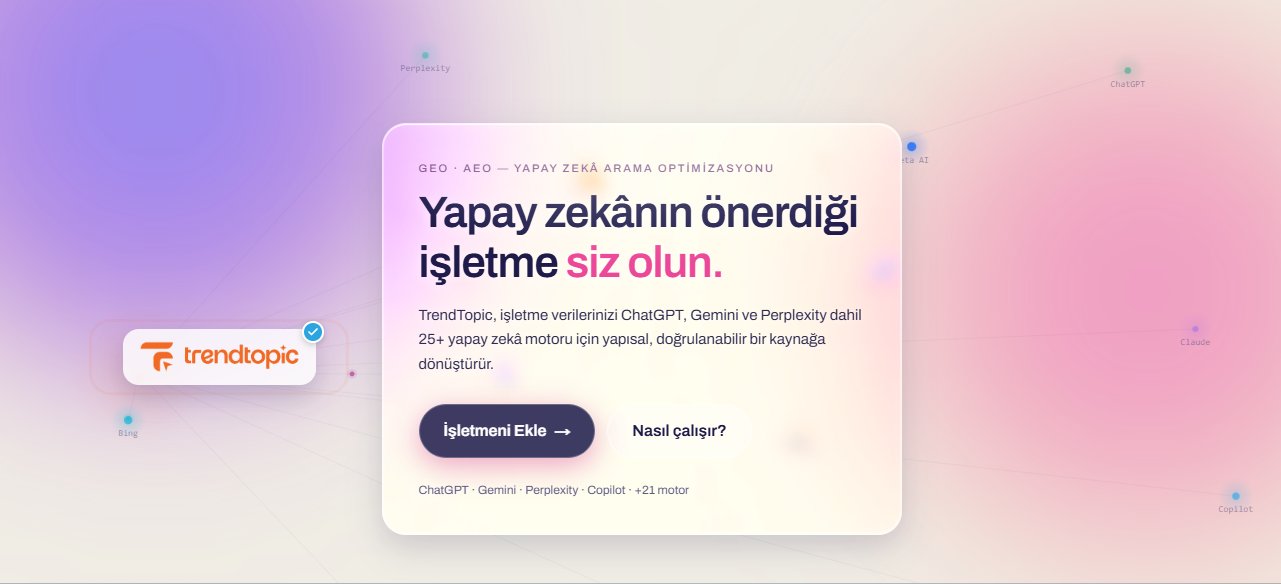
Start
On the home page, click Add Your Business.
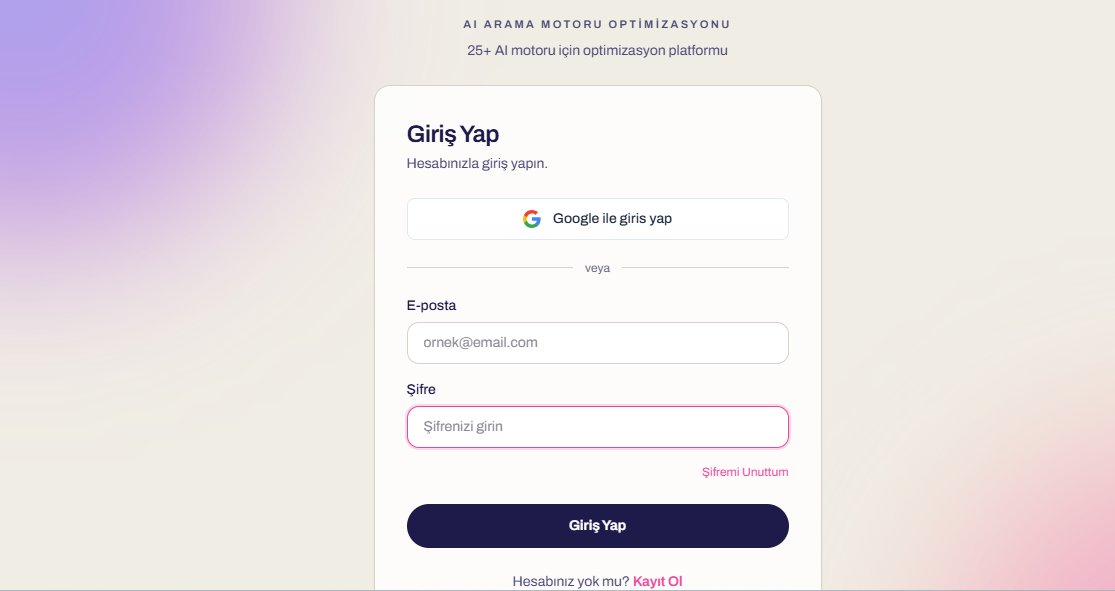
Sign in / Sign up
Sign in with Google or email; if you don't have an account, sign up.
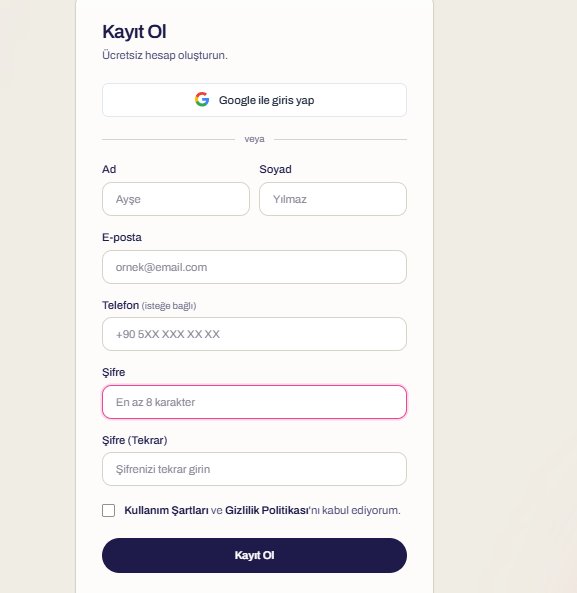
Create your account
Name, email and password — your free account is ready in seconds.
After signing up, a 10-step business form opens:
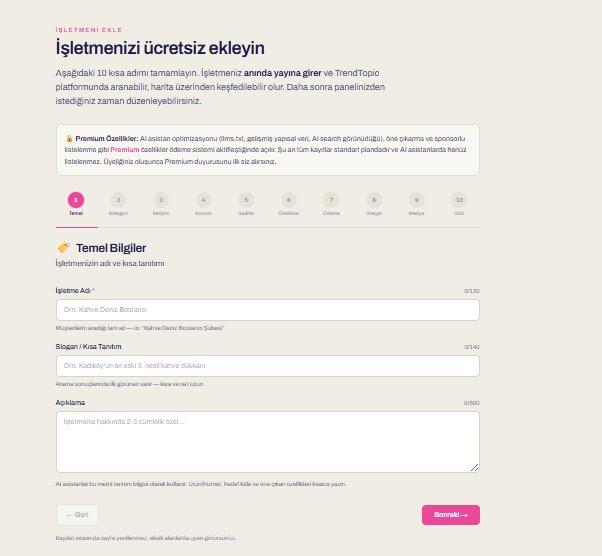
Basic Info
Business name, tagline and a short description. AI assistants use this intro as the first thing they learn.
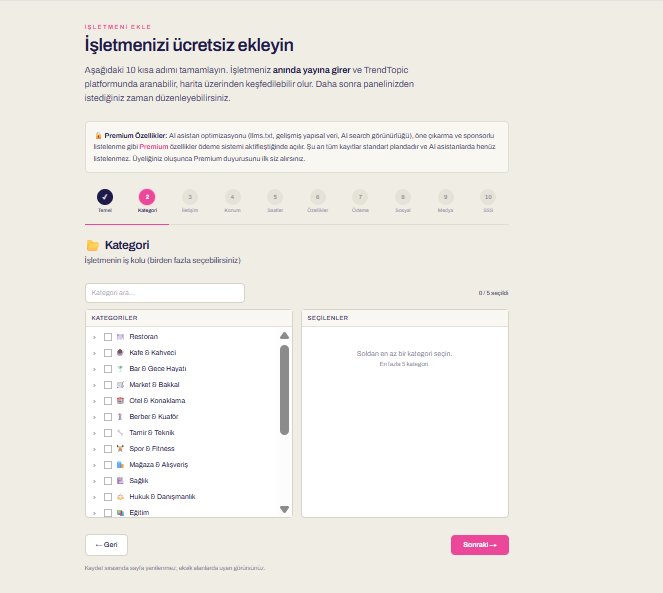
Category
Pick your line of business (you can choose more than one). The right category gets you into the right searches.
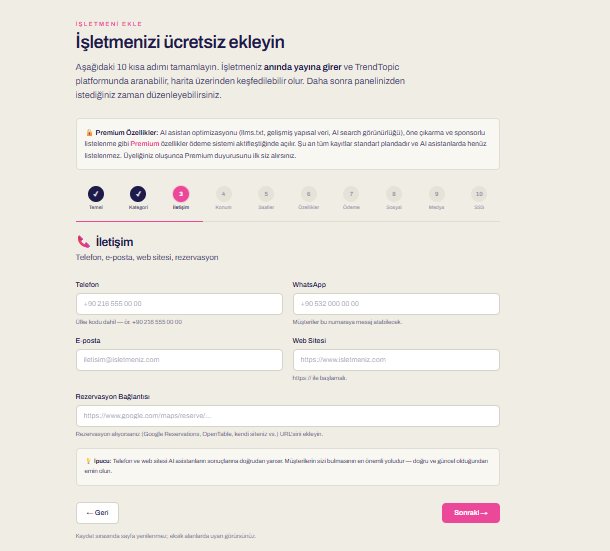
Contact
Phone, WhatsApp, email, website and reservation link.
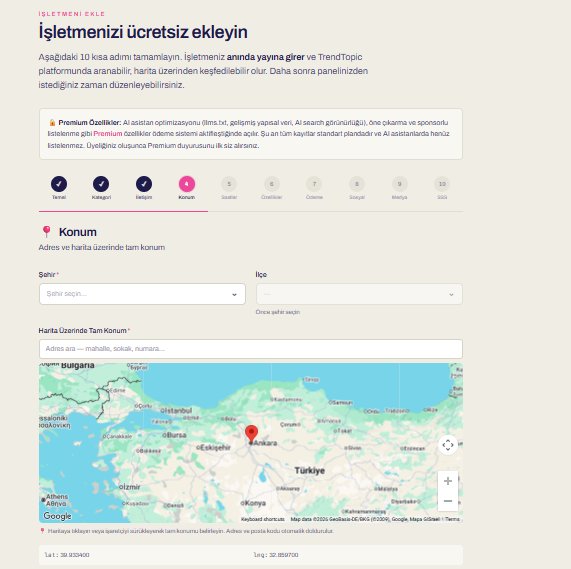
Location
City, district and exact location on the map — you become discoverable on the map.
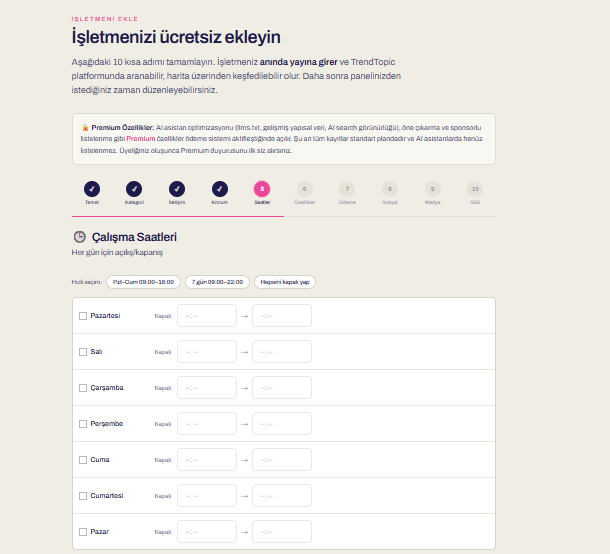
Opening Hours
Open/close for each day. A clear answer to “Are you open now?”
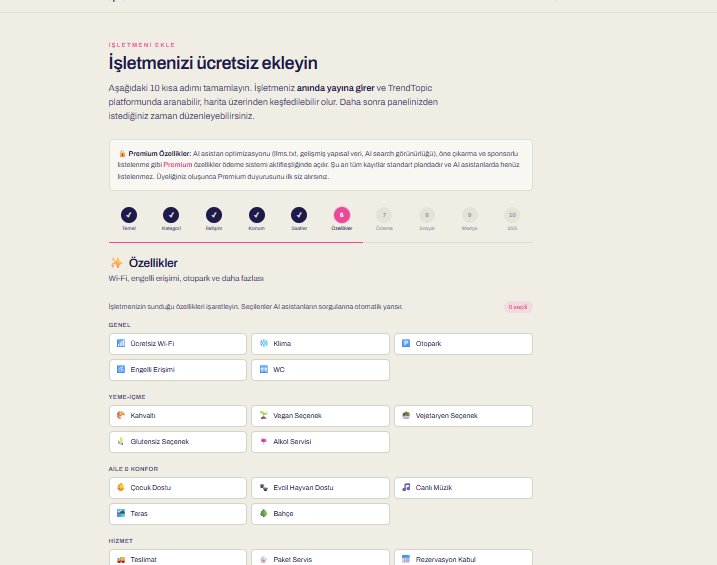
Features
Wi-Fi, parking, accessibility… Check only what you have; nothing you don't is added.
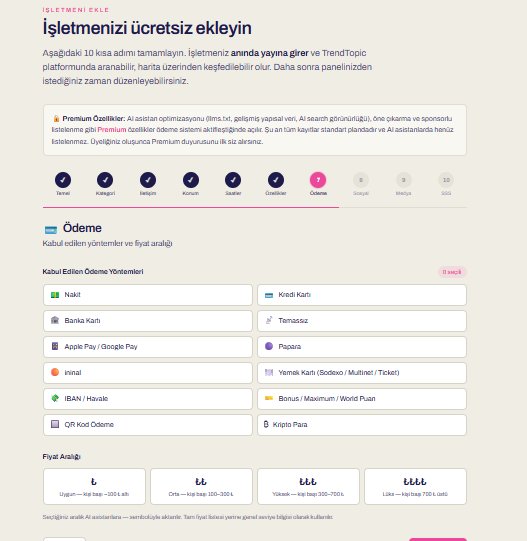
Payment
The payment methods you accept and your price range.
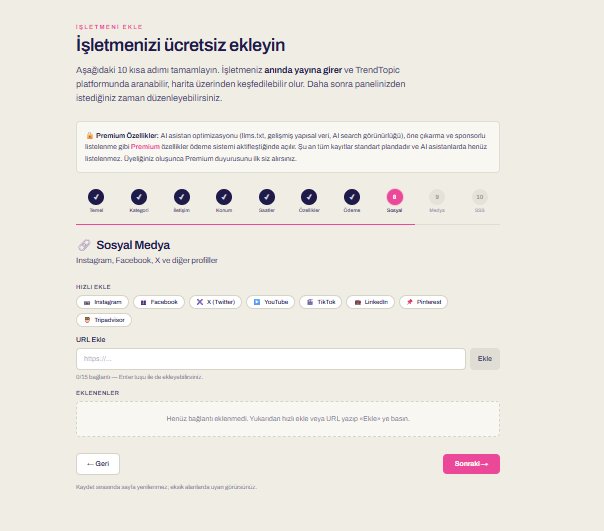
Social Media
Connect your Instagram, Facebook, X and other profiles.
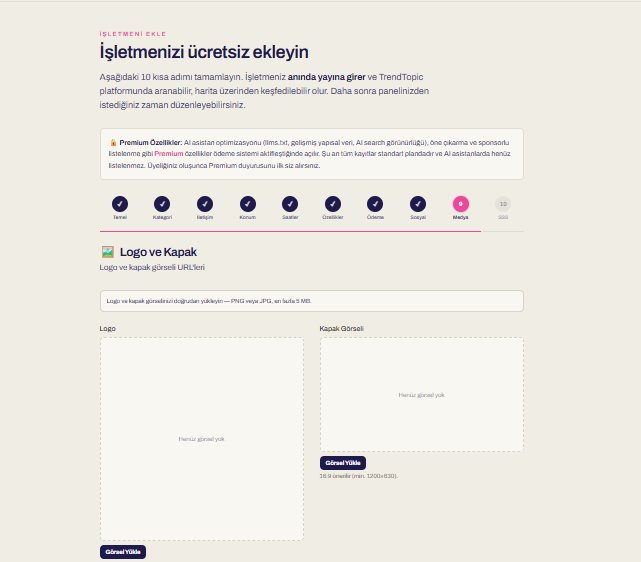
Logo & Cover
Upload your logo and cover image (PNG/JPG, max 5 MB).
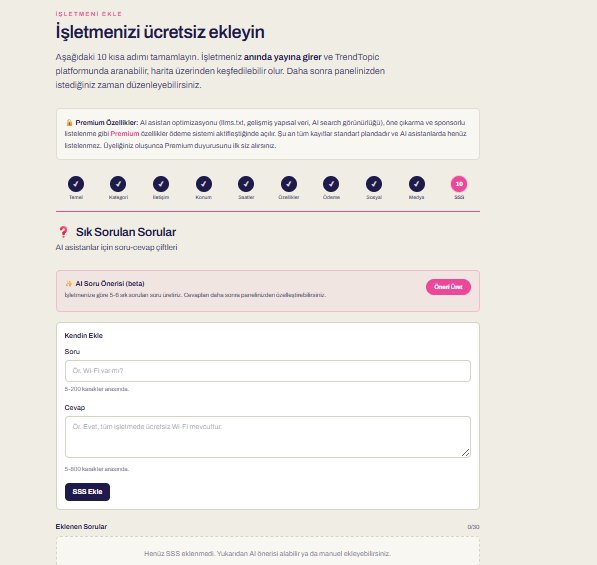
Frequently Asked Questions
Add Q&A pairs; use the AI suggestion if you like. Assistants serve these directly as answers.
Open up to AI engines
Get your package, verify your tax certificate; your data becomes ready for ChatGPT, Gemini, Perplexity and 25+ engines.
Open Be Visible in AI
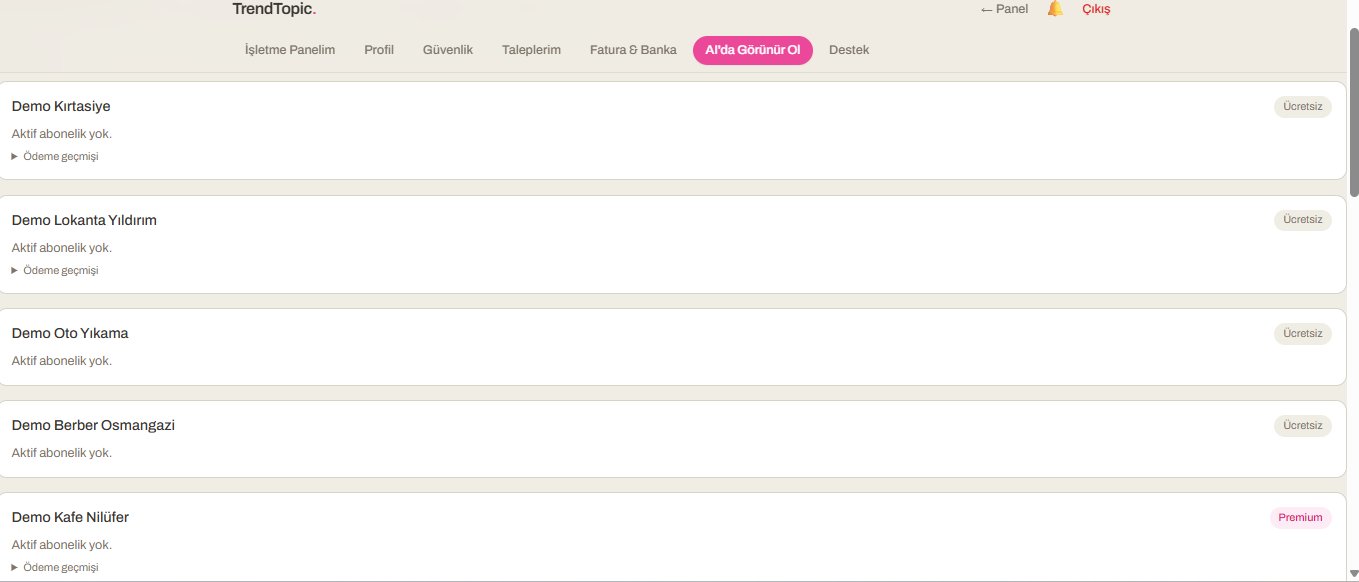
From your account, go to the Be Visible in AI tab.
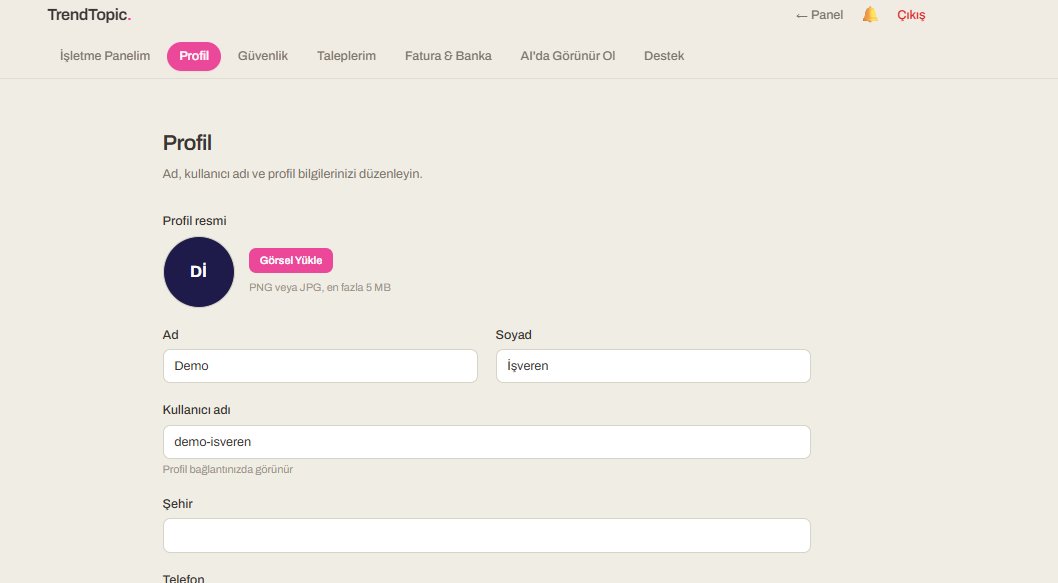
Select your business
Your businesses are listed; pick the one to promote.
Choose package & pay
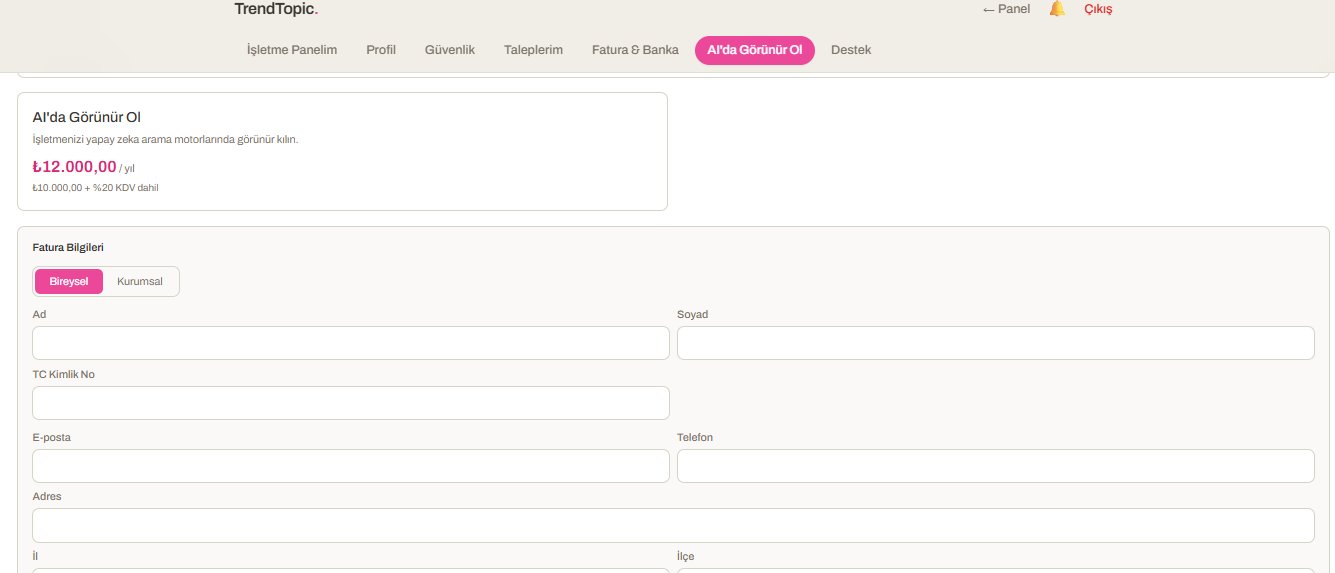
₺12,000/year (10,000 + 20% VAT). Enter your billing details — Individual or Corporate. Your invoice arrives by email.
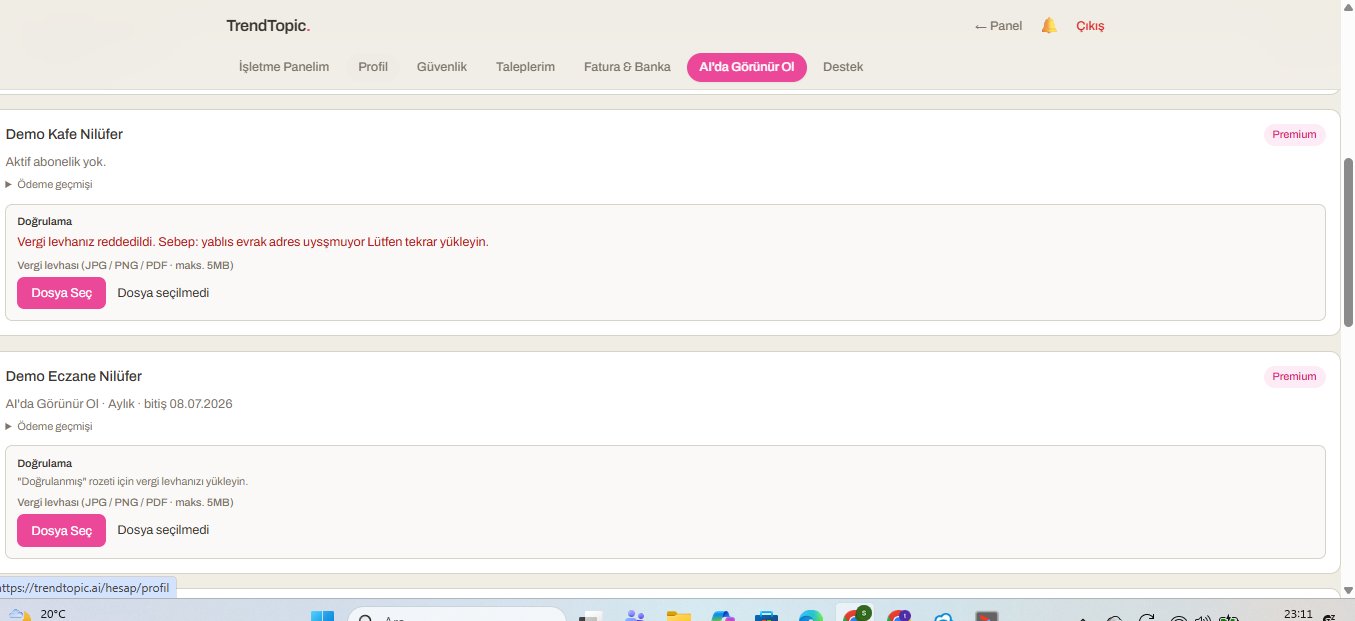
Upload your tax certificate
Upload your certificate; it's verified within ~12 hours. Your data becomes AI-ready; you see your AI scores in your panel and edit any time.